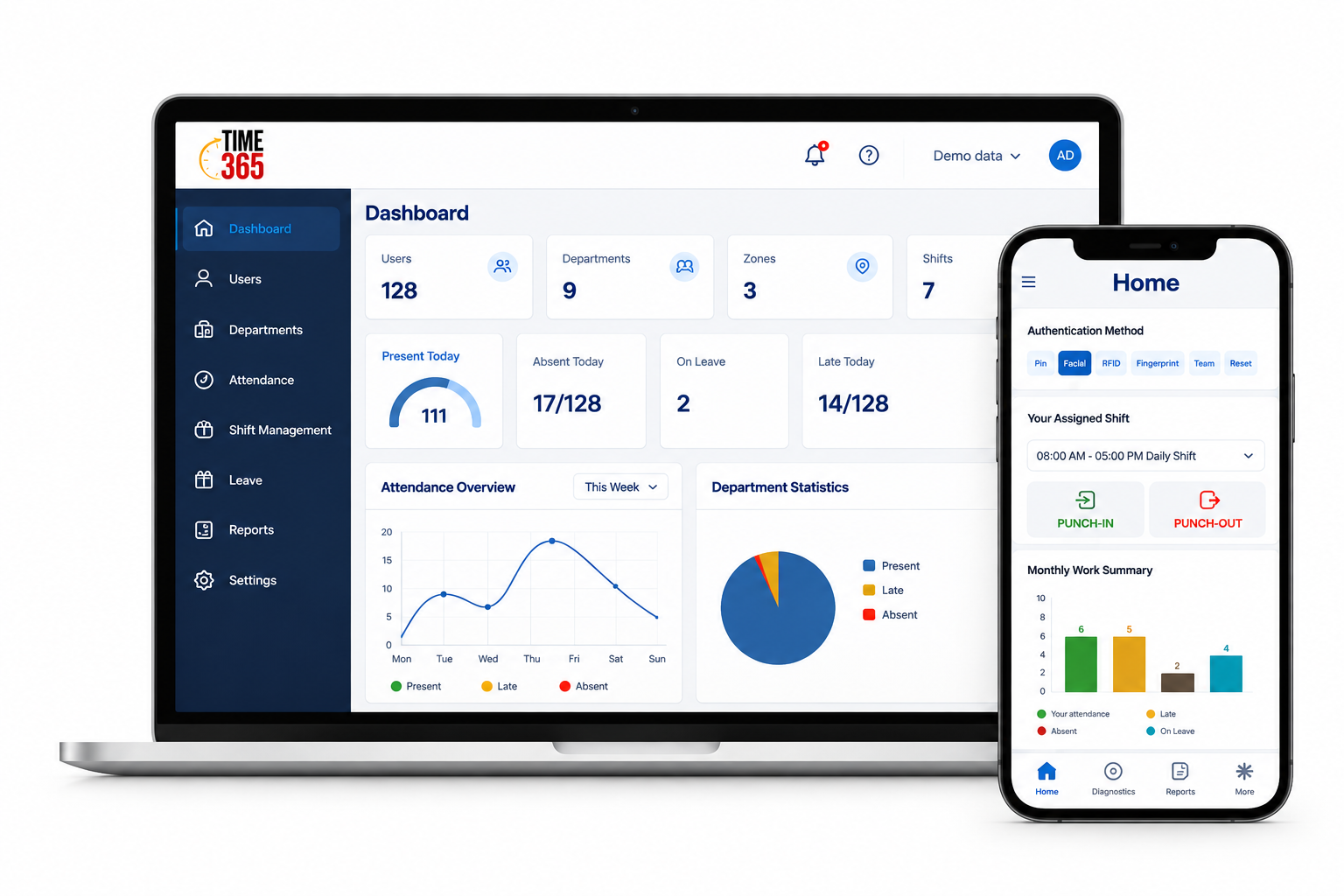
Leave balances in view
Follow leave taken and remaining balances alongside requests and decisions.
Explore detailsTIME365 · TIME & PEOPLE MANAGEMENT
Manage attendance, shifts, leave balances, permissions, exceptions and official assignments. Connect employee requests with manager approvals and HR reports across every site, in the cloud or on-premise.
Keep leave, requests and daily operations connected across your organization.
Follow leave taken and remaining balances alongside requests and decisions.
Explore detailsGive employees a visible request status and managers a clear review and approval workflow.
Explore detailsRead attendance alongside leave, permissions and official assignments for meaningful follow-up.
Explore detailsTHE TIME365 PLATFORM
From leave balances and employee requests to shifts, attendance and reports: give every team a clear way to work together.
TIME365 · Explore interactively
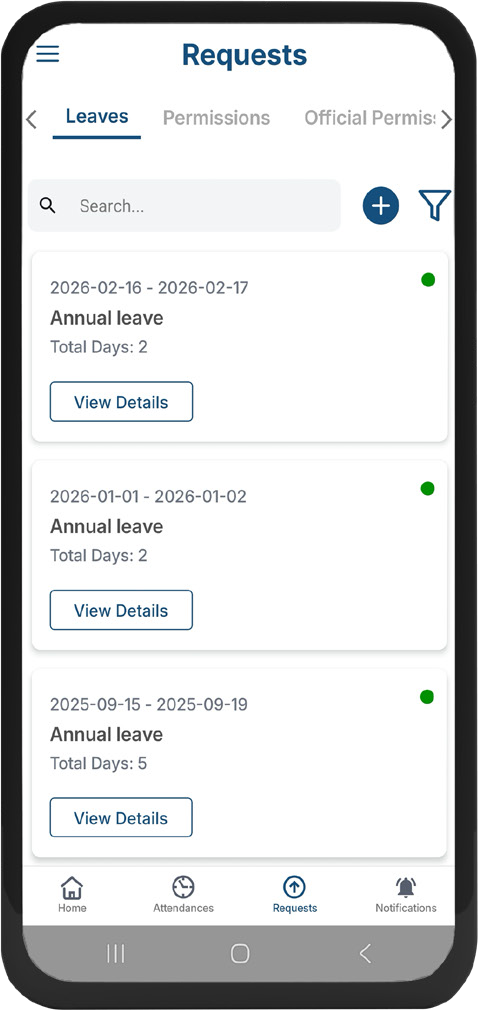
Explore leave requests, manager approvals and HR follow-up. Switch roles to see how employee services and time management work together.
View your shift, follow leave balances, submit leave and permission requests, and track decisions and notifications through your daily workspace.
Original application screens. Availability and appearance depend on your version and permissions.
DEVICES & ATTENDANCE METHODS
Choose from fixed terminals, Bluetooth beacons and the Time365 Mobile Handheld. Connect the right attendance method with the people and conditions at each workplace.
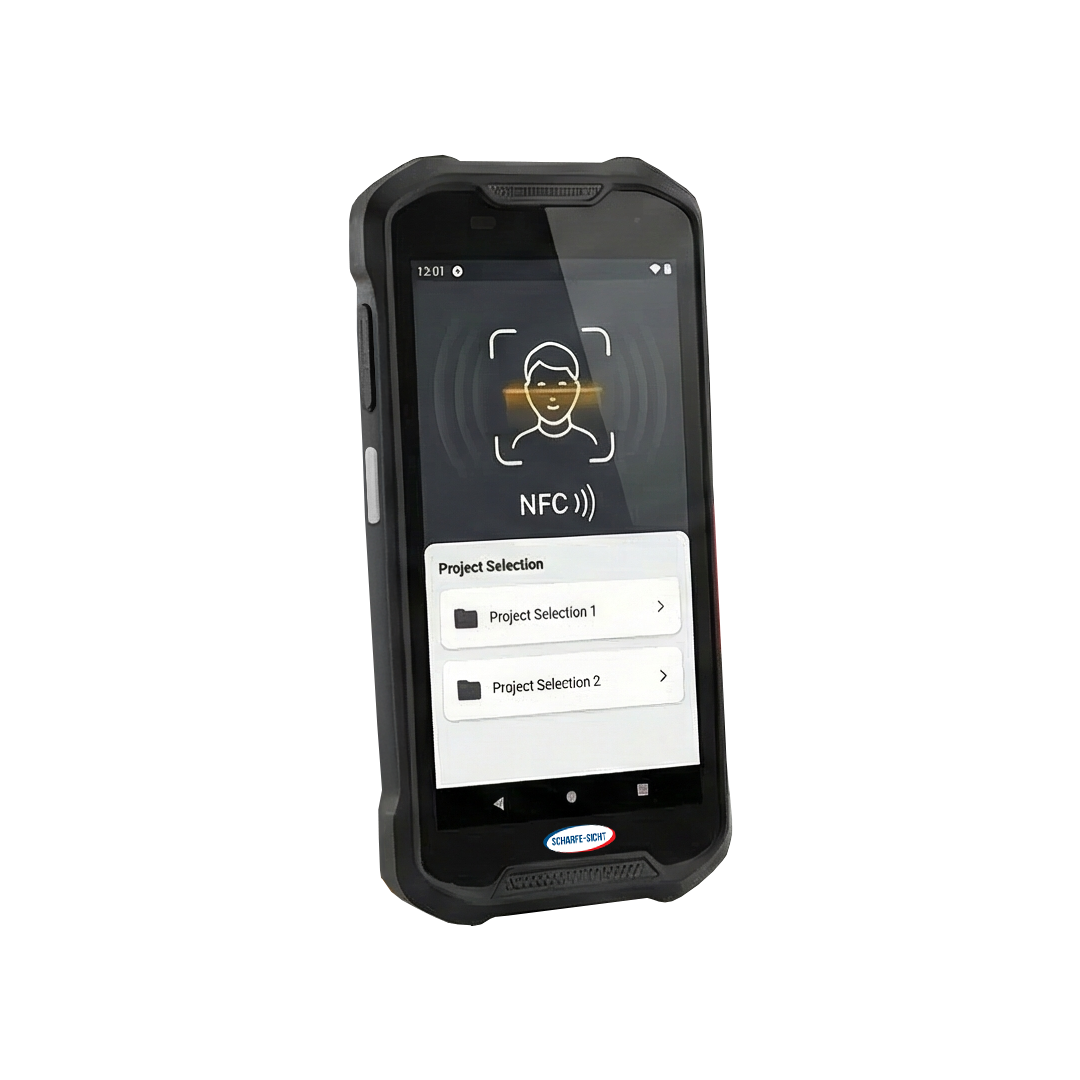
Portable devices
Bring attendance to the point of work. A dedicated portable terminal lets supervisors enroll workers, verify presence and connect field records to Time365.
View device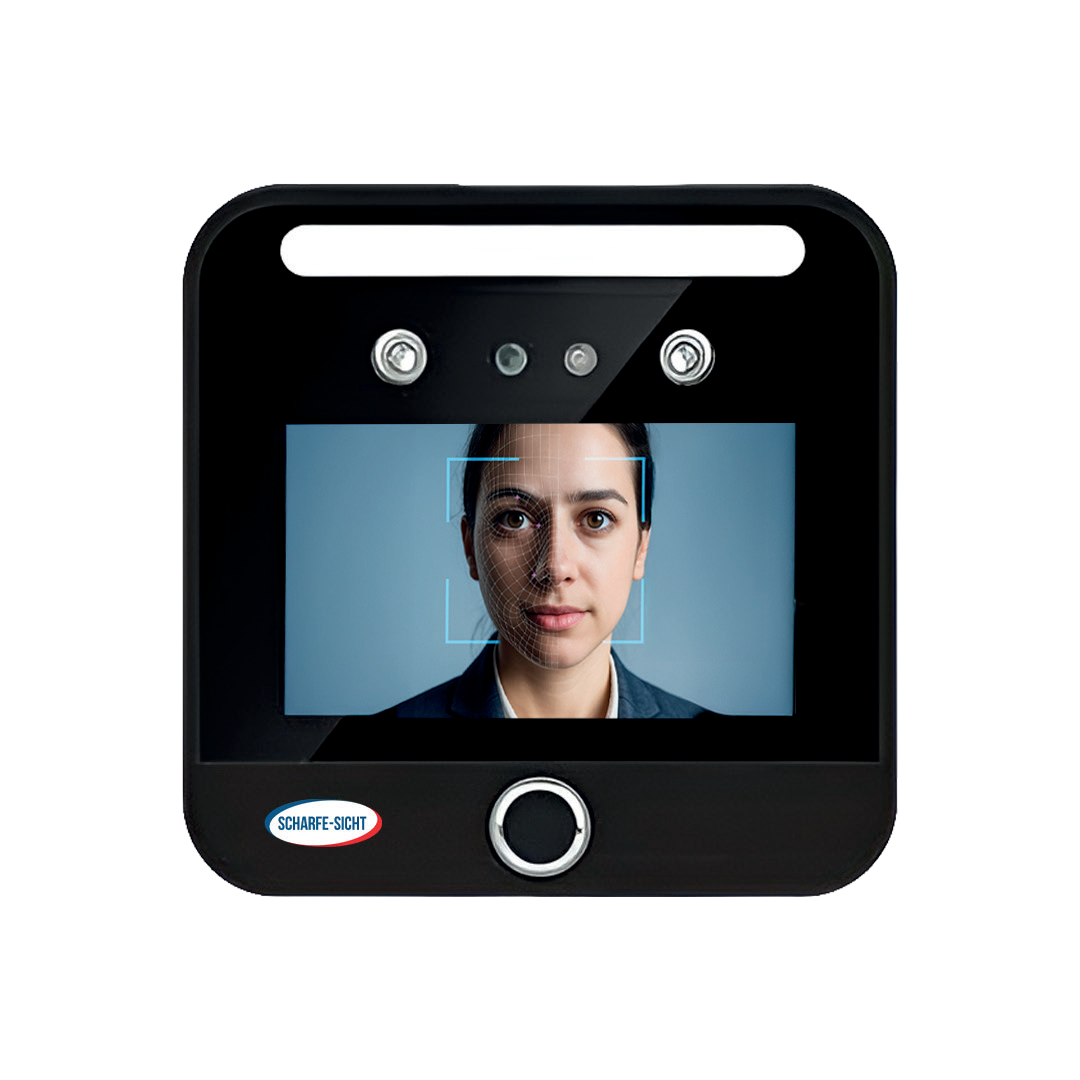
Terminals
A 5-inch biometric terminal with dual cameras and multiple identification methods.
View device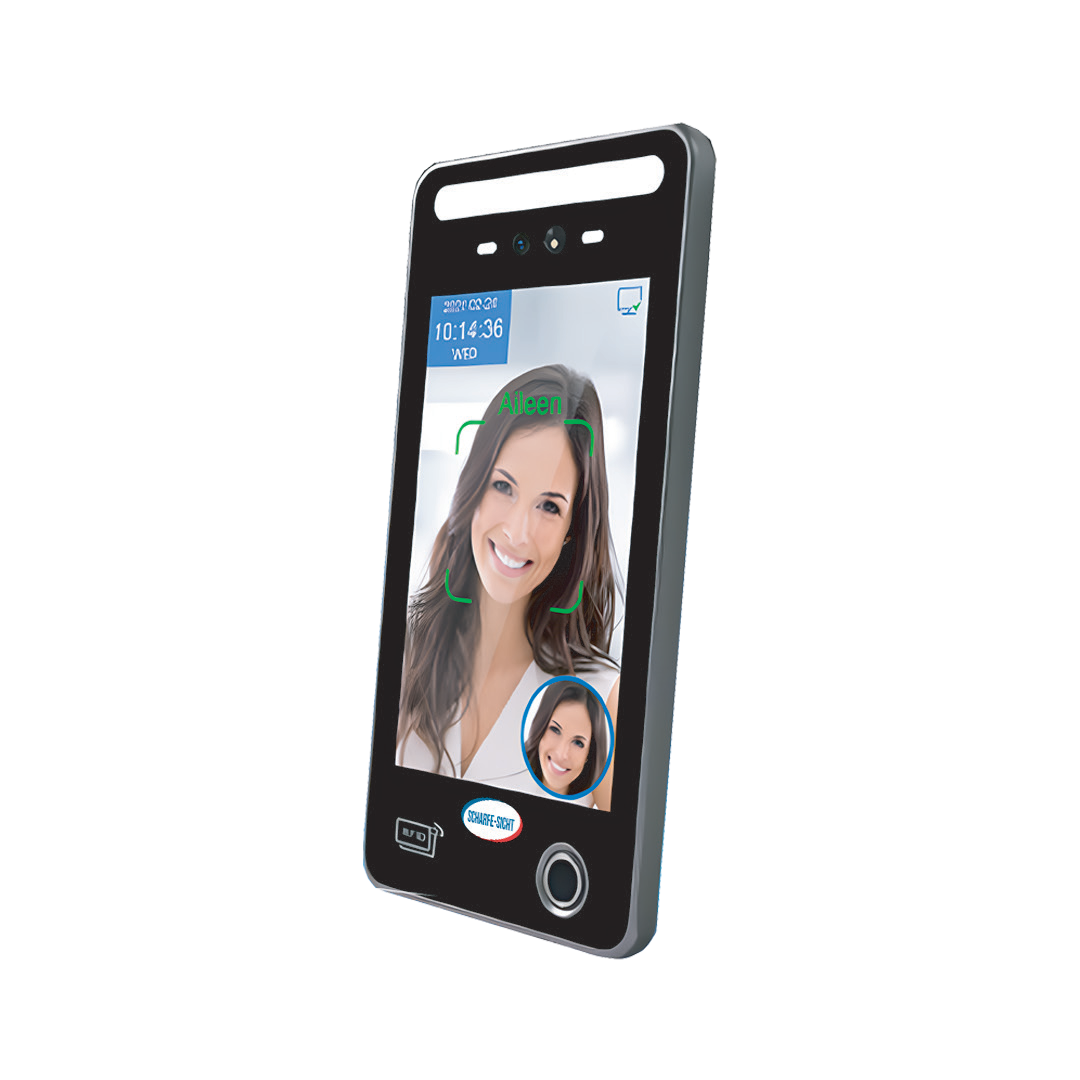
Terminals
An 8-inch access terminal with a larger display, high-capacity storage and an IP66-rated enclosure.
View device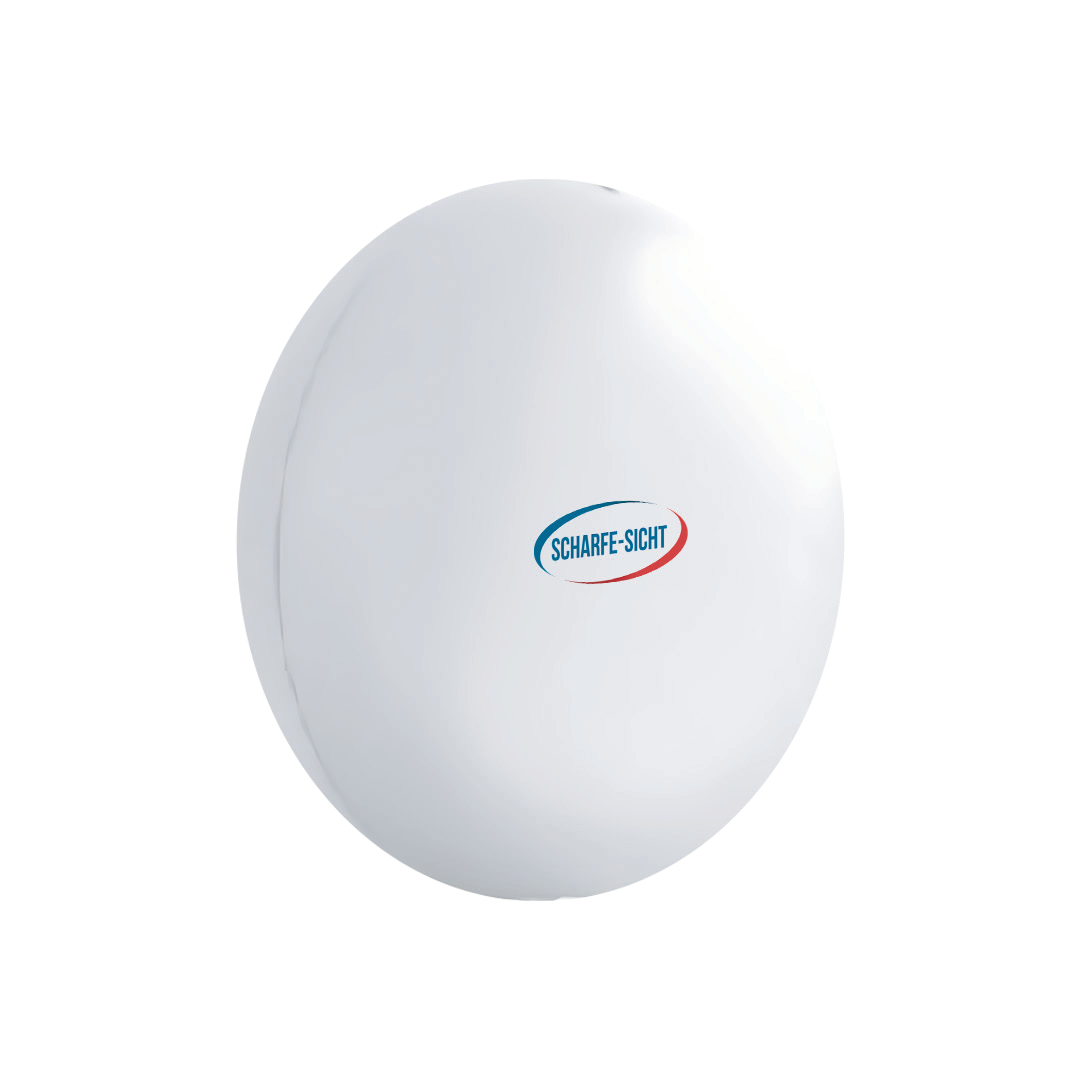
Beacons
A compact Bluetooth beacon with IP67 protection and a lightweight round enclosure.
View deviceDiscover Time365
Discover the platform, solutions, devices and integrations, and find the information and services available on the website.
Watch the website tour ↗For a clearer picture, select 1080p in YouTube Settings → Quality.
All videos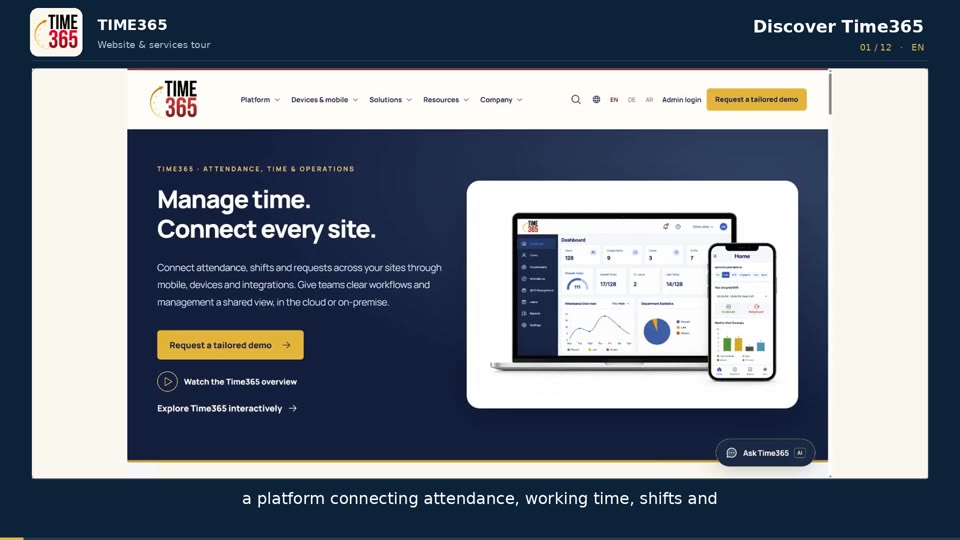 English
Discuss deployment and interfaces with your technical team, then define delivery and support responsibilities.
Choose the deployment approach around your infrastructure and operational requirements.
Explore detailsReview the systems, data flows and device compatibility your project requires.
Explore detailsAgree configuration, acceptance, training and support before rollout.
Explore detailsREADY TO SEE TIME365 IN ACTION?
Bring your workforce, sites and reporting challenges. See how Time365 can connect the operation around them.
Request a tailored demoHow is your proposal scoped?